
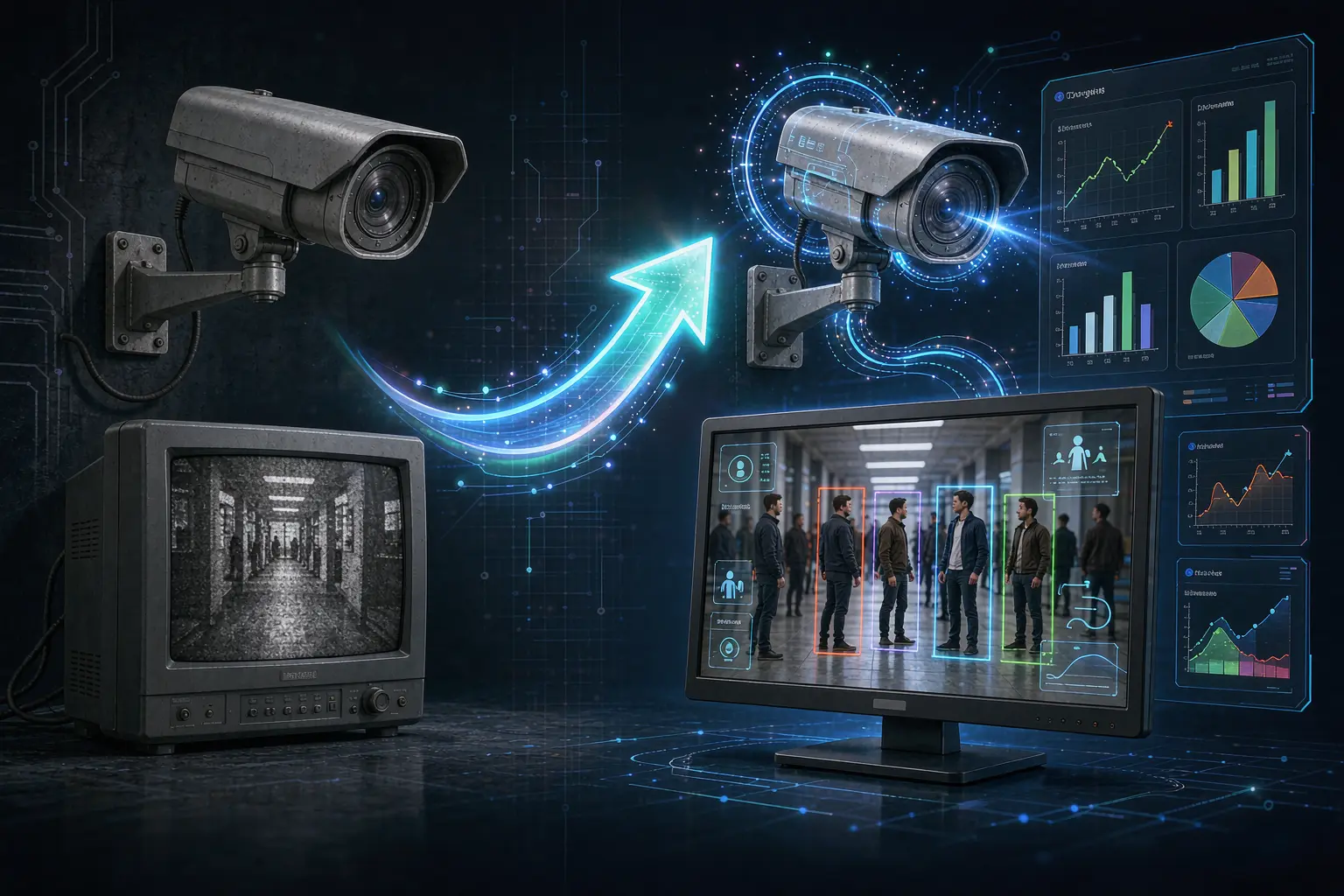
Upgrade CCTV to AI: Step-by-Step Guide to Smarter Cameras
If you already run a CCTV system, you don’t need to rip it out to get AI. Upgrade CCTV to AI by adding a small edge box to your existing cameras, and you unlock smart detection — fire, intrusion, license plates, PPE compliance and more — without new wiring, without a cloud subscription, and without replacing a single camera. In this step-by-step guide, you’ll learn exactly how to upgrade your existing CCTV to AI, what it can detect, and how to choose the right setup for your site.
Why Upgrade Your Existing CCTV to AI?
Your current CCTV is great at recording footage, but it can’t understand it. Someone has to watch every screen around the clock to catch a fire, a trespasser, or a worker without a hard hat — and human monitoring misses most incidents. An AI upgrade adds a layer on top of your existing cameras that analyzes the video in real time and alerts you the moment something happens.
The financial case is strong. Instead of buying a whole new camera network, you upgrade CCTV to AI at the box level and keep the cameras you already paid for. For most projects, this is the lowest-cost path to intelligent surveillance. For background on how video analytics works, see Video content analysis — Wikipedia, and for industry standards and trends, the Security Industry Association (SIA).
How to Upgrade CCTV to AI in 6 Steps
Here is the practical process we use to upgrade CCTV to AI for construction sites, warehouses, parking lots, and factories.
Step 1: Audit your existing cameras
Check your camera types (IP or analog), resolution, and how many channels you have. AI boxes typically support 2–128 channels, so even a medium-sized site is covered. Older analog cameras may need an encoder; IP cameras connect directly. For most sites, the audit takes a few hours and tells you exactly what an upgrade CCTV to AI project will cost — usually far less than new cameras.
Step 2: Pick the algorithms for your scenario
An AI upgrade is only useful if it solves your problem. Choose from a library of 198+ pre-built algorithms. For a warehouse, that’s fire + smoke + clutter + forklift speed; for a jobsite, hard hat + hi-vis + perimeter intrusion. Define your scenarios first, then match algorithms.
Step 3: Connect the edge AI box
Connect the box to your network switch beside your NVR. It ingests the camera streams and runs the analytics locally. No cloud account, no monthly fee, and footage stays on your premises — an important point for privacy and compliance.
Step 4: Draw virtual zones and set thresholds
Use the software to draw regions (no-entry lines, danger zones, parking bays) and set alert thresholds for each algorithm. This is where a good partner tailors the system to your layout.
Step 5: Configure alerts and integrations
Route alerts to SMS, email, a wall-mounted speaker, or a central platform. You can link the AI to your gate, lights, or siren for automated response.
Step 6: Test with a Starter Kit before scaling
Before committing to a full rollout, test the upgraded CCTV to AI setup on a few cameras with a Starter Kit.
What Can Your Upgraded AI Detect?
With the right algorithms, upgrading CCTV to AI turns passive monitoring into active protection. On a worksite, it flags workers without hard hats — see how hard hat detection works — and unsecured harnesses. In a warehouse, it warns about early flame or smoke long before a disaster; a full warehouse safety system combines these detections into one dashboard. At a gate, it reads license plates with license plate recognition and checks them against an allowlist. Use cases like people counting, loitering, and fall detection map directly onto retail, parking, and care settings.
Edge AI vs Cloud: Why On-Device Matters
Not all AI upgrades are equal. A cloud-based system streams video to a data center — fine for small setups, but it adds latency, recurring costs and bandwidth pressure. An on-device edge box processes everything locally: instant alerts, zero cloud dependency, and better privacy. When you upgrade CCTV to AI with an edge box, alerts arrive in under a second and the system keeps watching even if your internet drops. For most industrial and commercial sites, on-device is the smarter upgrade.
We walk through the reasoning in Face Recognition Camera System: Uses, Cost & Privacy.
It is one of the topics we cover separately in AI camera vs CCTV.
Common Questions About Upgrading CCTV to AI
Do I need to replace my existing cameras to upgrade to AI? No. That’s the whole point — the edge box adds intelligence to the cameras you already have.
Can it work offline? Yes. Analytics run locally on the device; alerts can still be sent out when connectivity exists.
Is it expensive? Far less than replacing your camera fleet. Cost scales with channels and algorithms, so start small and expand.
Are face-related alerts privacy-compliant? Use such features only in authorized zones with clear signage, and rely on local storage to keep data under your control.
Ready to Upgrade Your CCTV to AI?
You don’t have to replace your cameras to get smart detection — you just need the right upgrade path. Whether you manage one site or fifty, the same upgrade CCTV to AI process applies: audit, pick algorithms, connect, tune, alert, test. Tell us your scenario, and we’ll map your site to the right algorithms, or start with a Starter Kit to test on your own cameras before scaling.